
Chrome and Edge extension for home search
Half the listings are duplicates. The other half you would miss on a single site.
Search all three sites without meeting the same home twice. What you hide stays hidden, what you save lands in one list.
Free, no account, no ads.
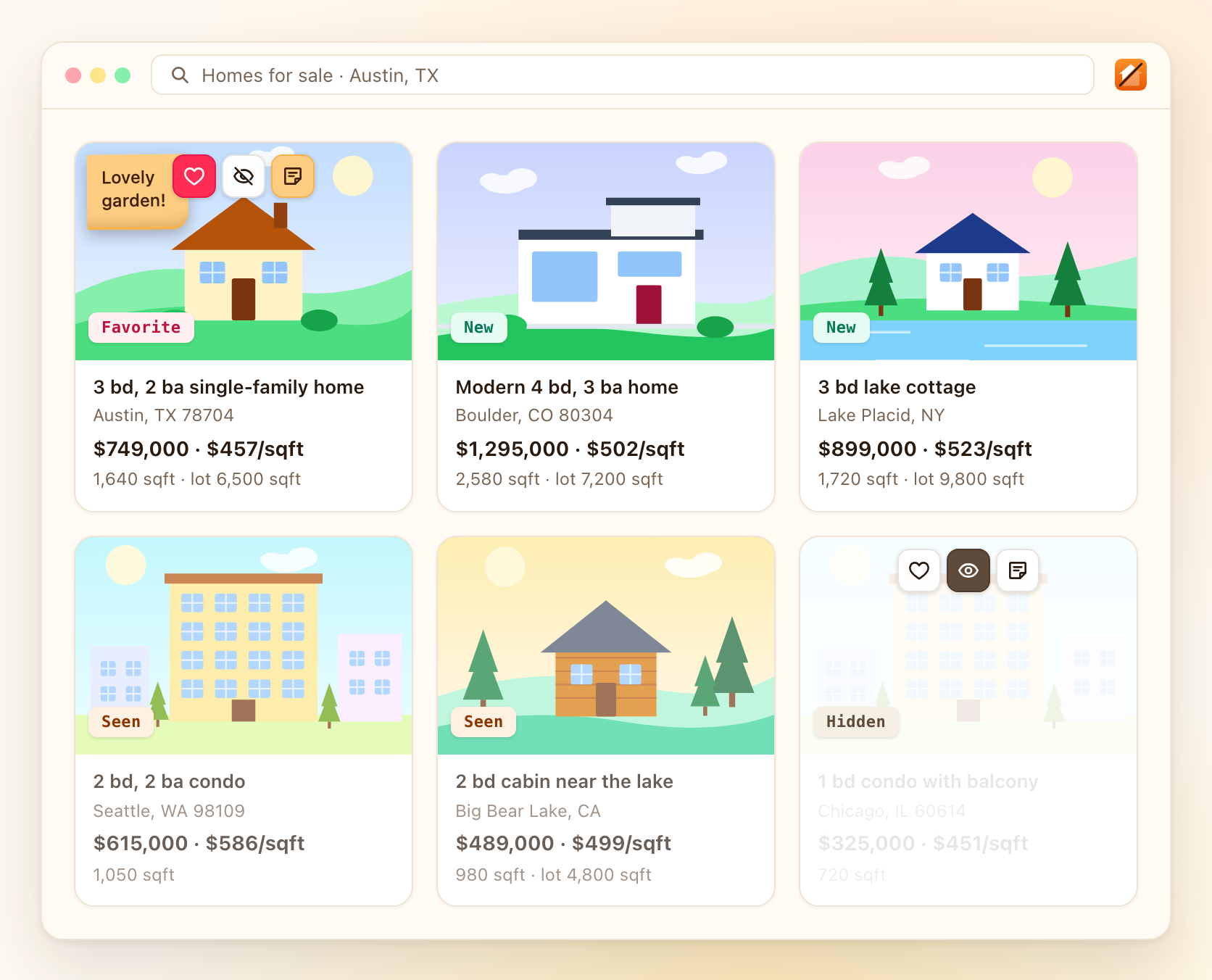
Works on
- Zillow
- Realtor.com
- Redfin
All three share one memory. An independent tool, not affiliated with any of them. Also on four Czech portals, see the Czech page.
What SkimF does
One home, three sites, one decision
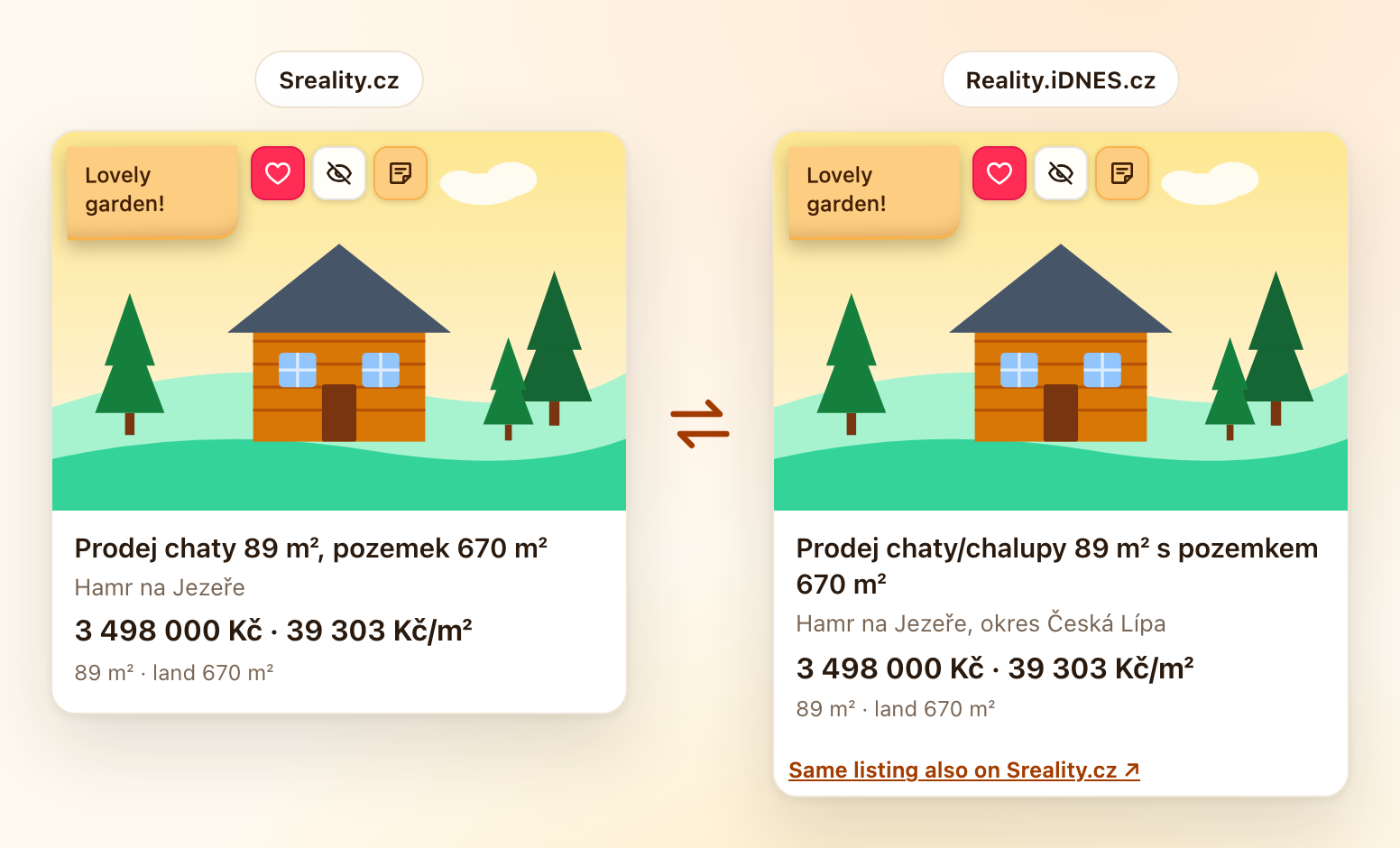
The same house sits on each site under a different listing ID. SkimF spots it and carries your decision over.
- One memory for all three sites, and for every tab you have open
- The card links to the same home on the other sites
- Your note travels with the home, not with the listing
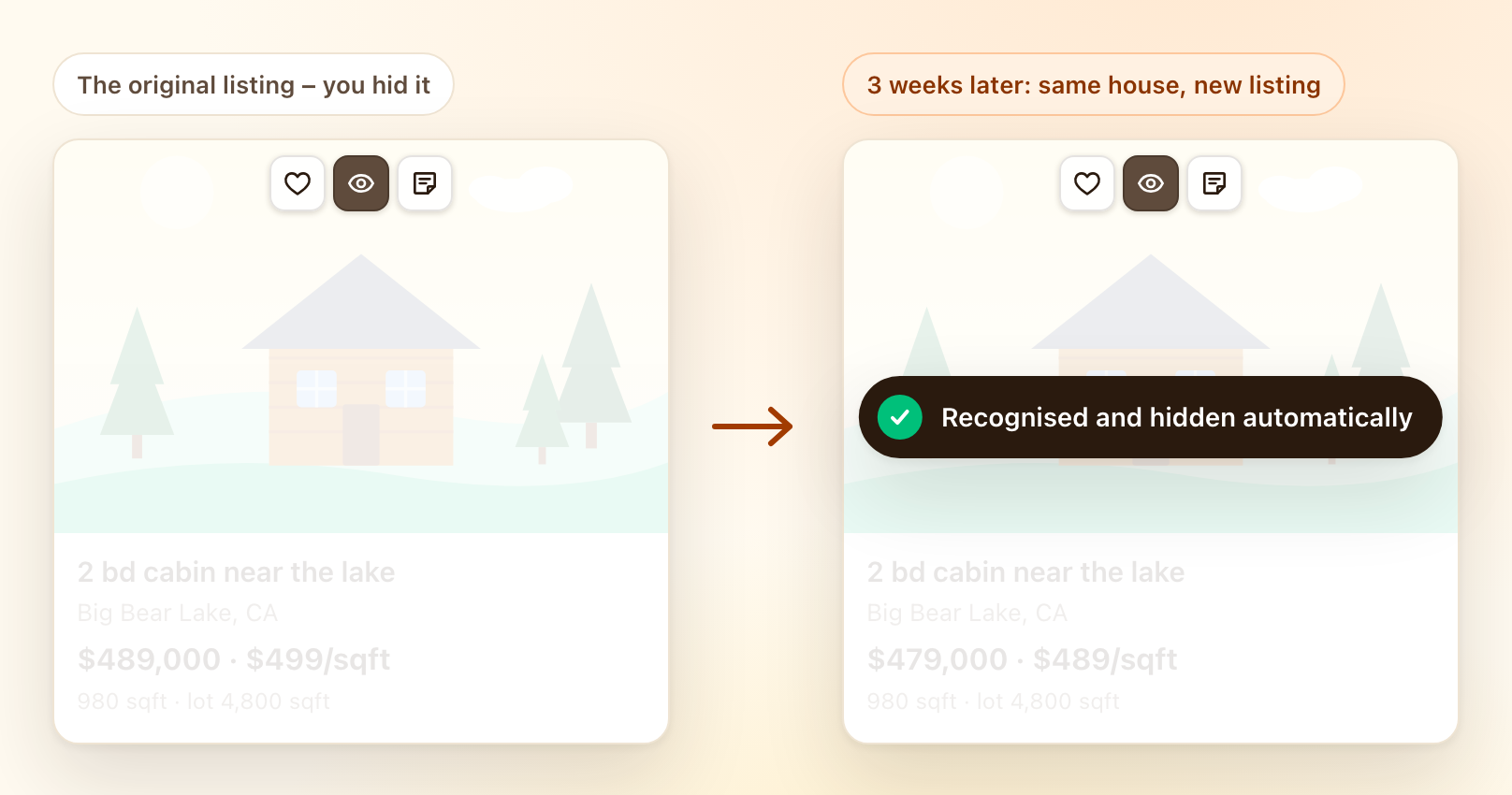
Hide it once. It stays hidden.
Rule a home out once. A re-post under a new ID is hidden too, and the card just fades in place.
- Auto-hides only at 86 % confidence; a weaker match just gets an outline
- Every carried-over match shows why, with "Not the same" to undo it
- One more click brings a hidden listing back
Every favorite in one place
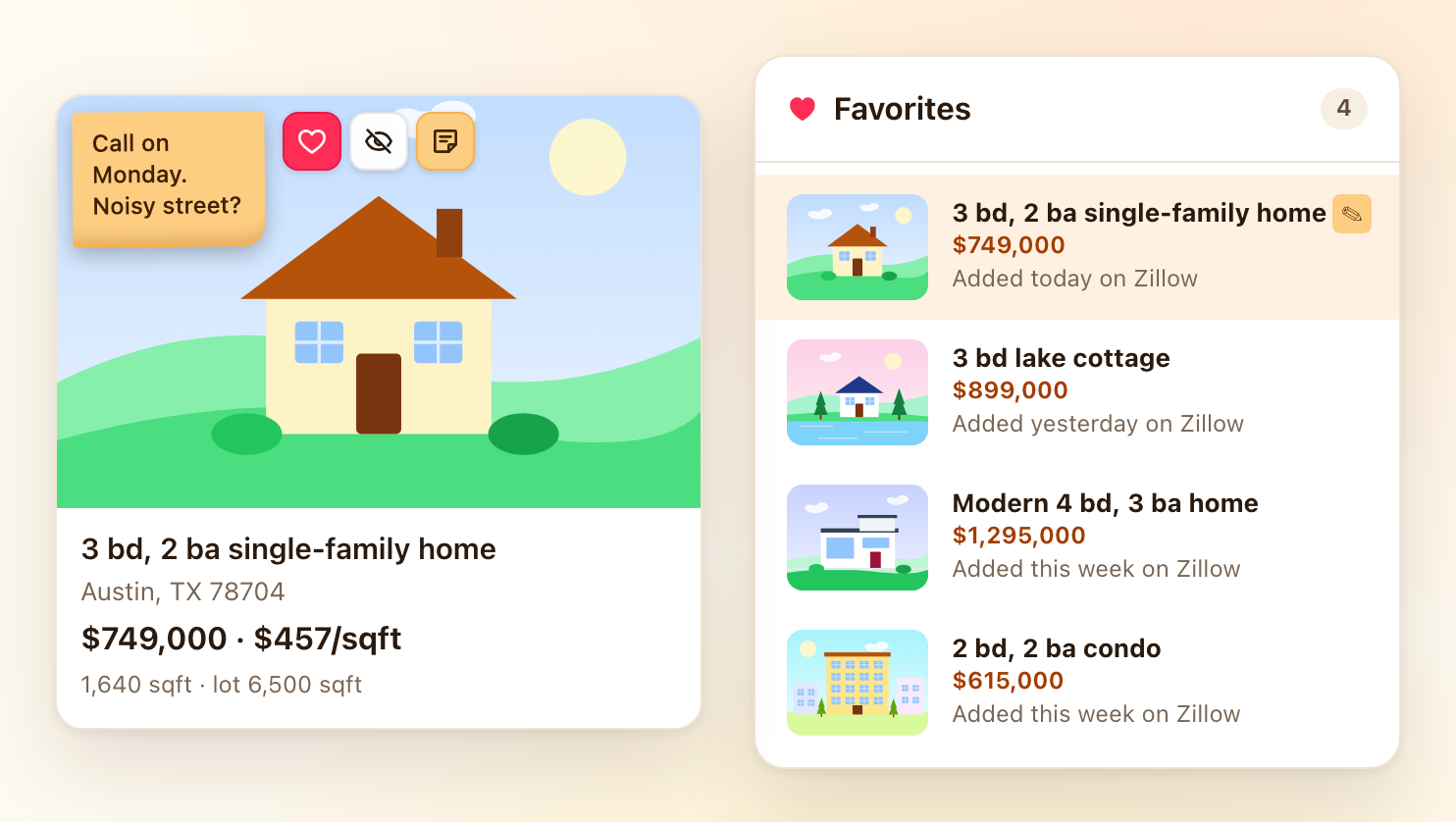
The heart saves a home from any of them into one panel. Stick a note right onto the photo.
- Your own list, no account and no sign-in
- Notes show on the card, on the listing page and in the panel
- Your saved homes on Zillow, Realtor.com and Redfin are never read or changed
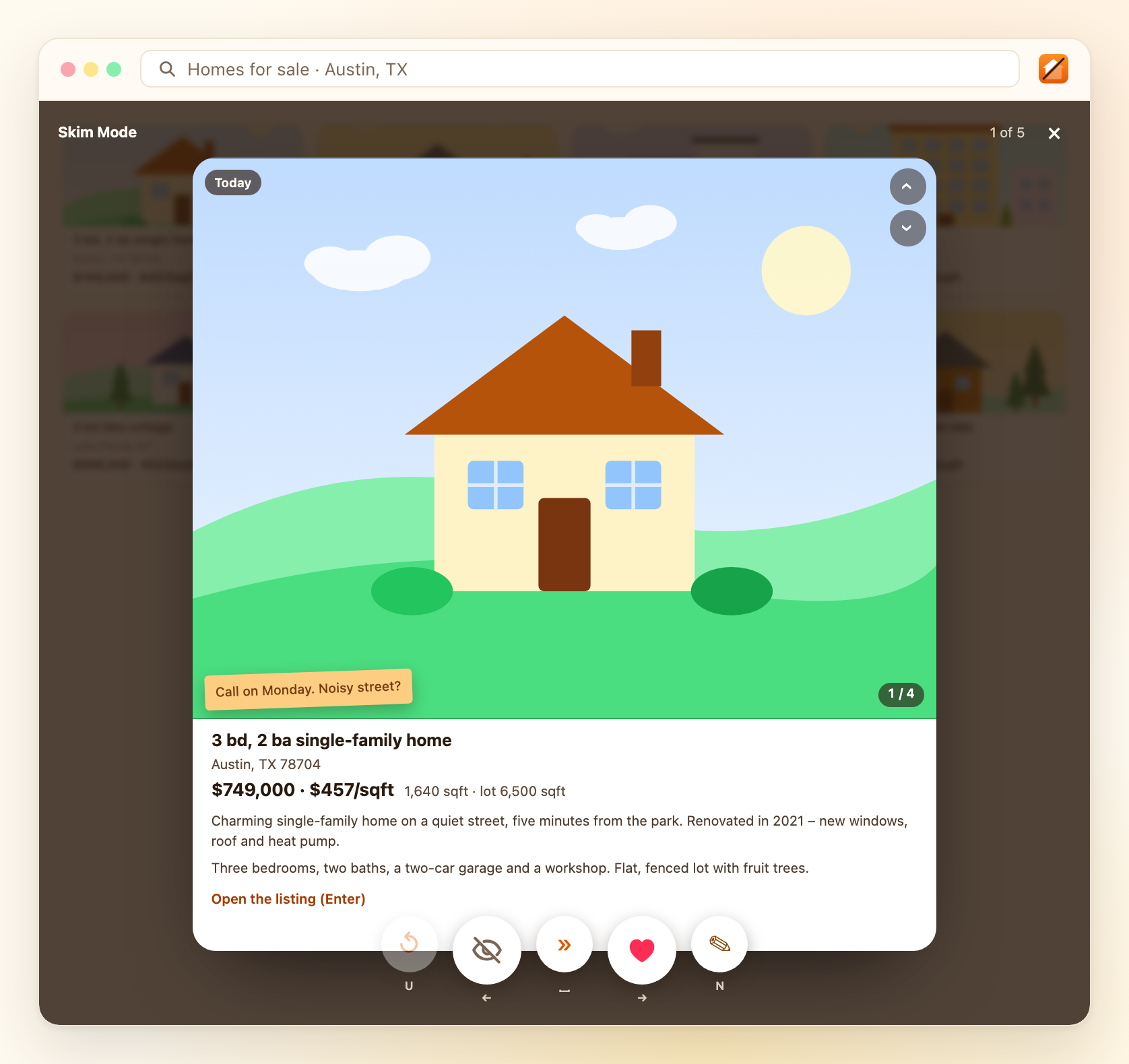
Skim Mode: one listing, one decision
One home at a time, full screen. Left arrow hides, right arrow saves, space skips.
- Clear a page of results in minutes
- Keyboard only, no mouse
- Decisions land exactly as they do in the results
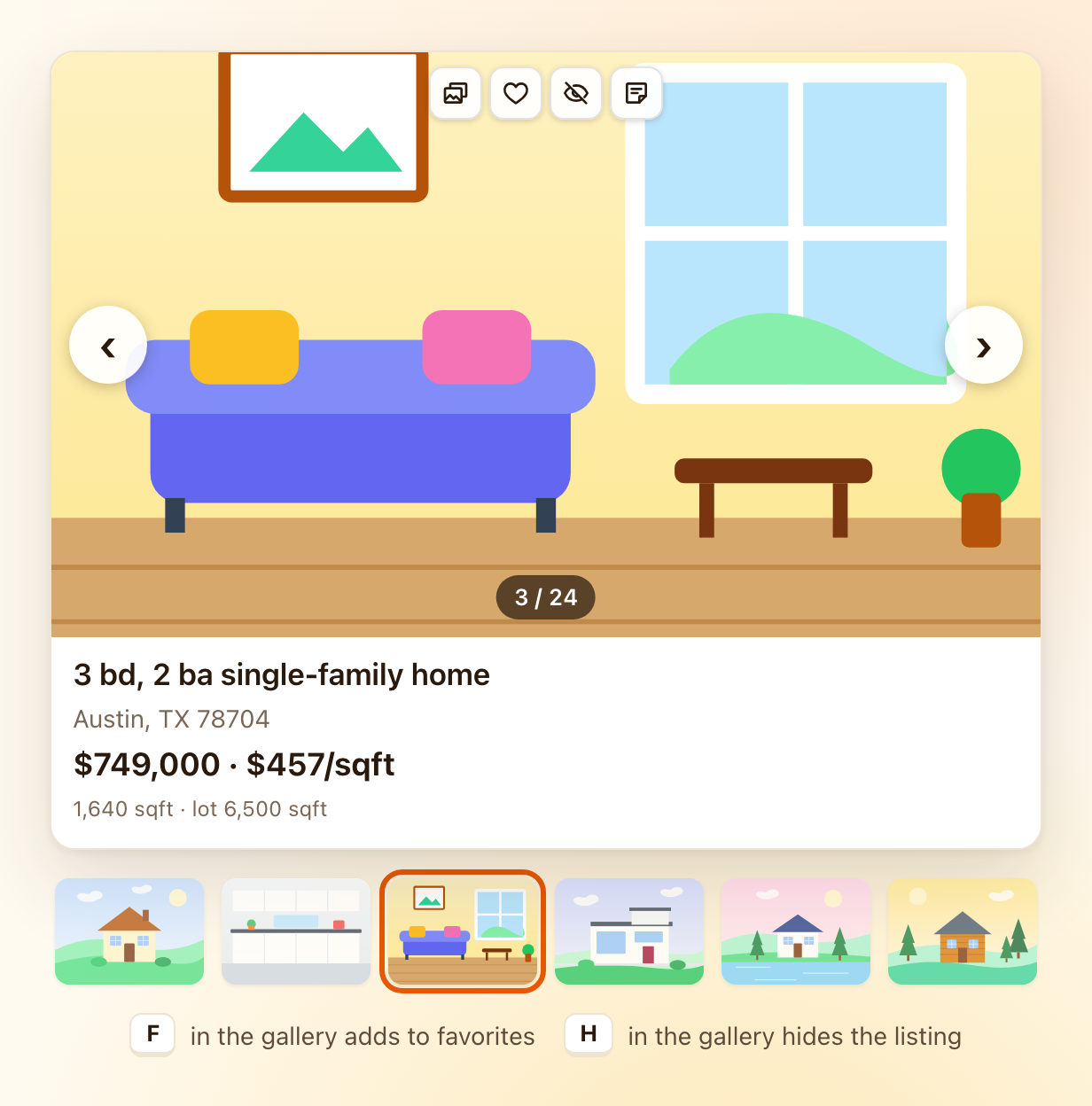
All the photos, without opening tabs
The camera button opens the full gallery over the results. F saves, H hides, Esc closes.
- No more twenty tabs open at once
- Photos load only when you ask for them
- Decide on the photos, not on the headline
Your search stays yours
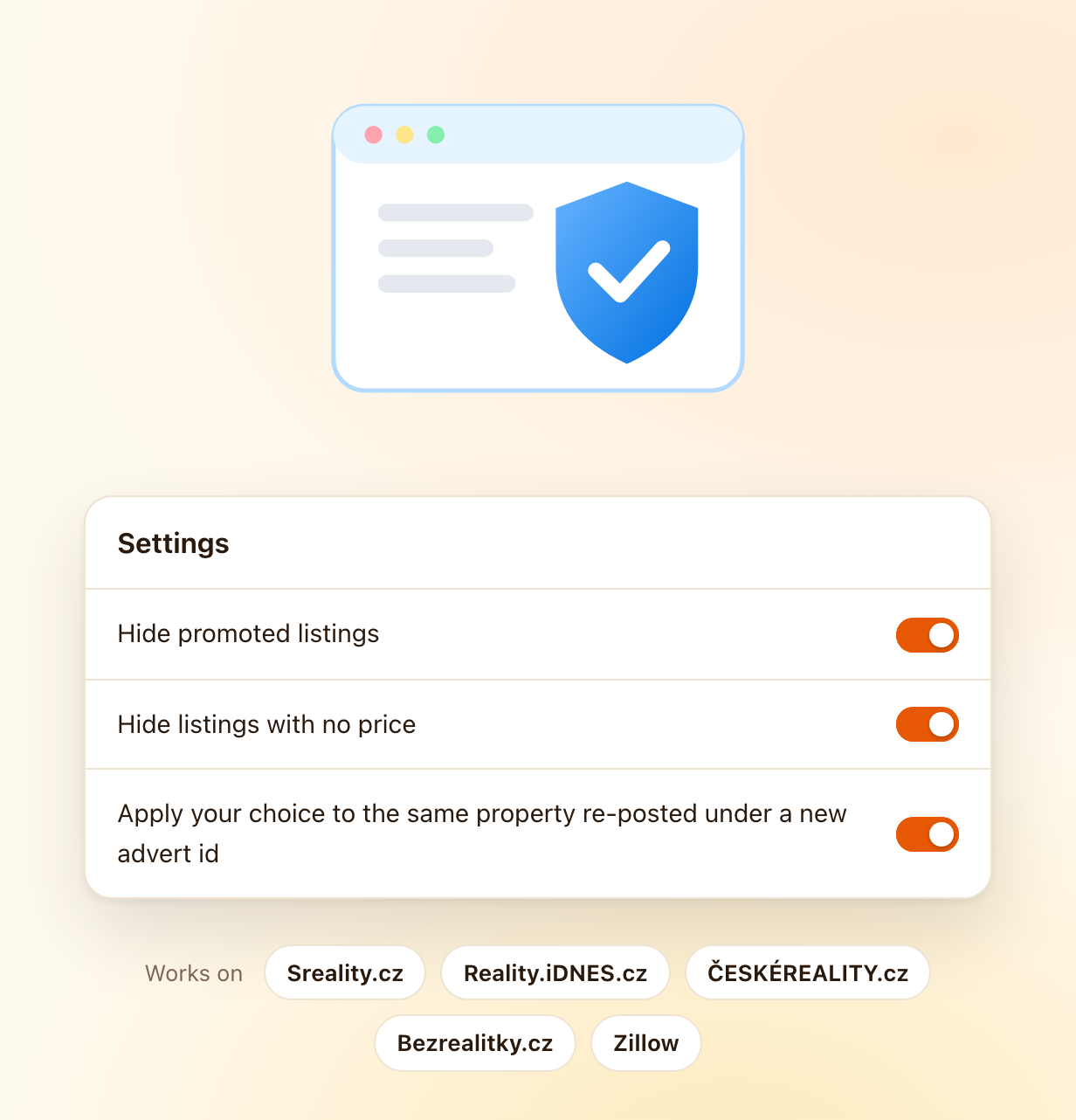
No account with us, no server of ours. We cannot see what you browse or write.
- The extension runs only on the sites it supports, and talks only to the one you are on.
- Saved and hidden homes travel between your own computers through your browser profile, the way bookmarks do. Notes stay on the device.
- Export or delete everything at any time in the extension's settings.
Add SkimF to your browser
Free on the Chrome Web Store and Edge Add-ons. Runs in Google Chrome and Microsoft Edge on a computer.
No account, no ads. Runs on zillow.com, realtor.com and redfin.com. On Microsoft Edge? Get SkimF from Edge Add-ons.
What you need
- Google Chrome or Microsoft Edge on a computer, version 116 or newer (Windows, macOS, Linux). Neither installs extensions on a phone, which is the browsers' limit, not ours.
- Runs on zillow.com, realtor.com and redfin.com (and on four Czech portals). It does not start anywhere else. Map pins are supported on Zillow and Redfin; on Realtor.com the map is left alone.
- Matching is deliberately careful. A listing is hidden automatically only at 86 % confidence, and only against your own decisions. We would rather miss a duplicate than hide a home you wanted to see.
- The free version remembers 200 hidden listings. Saved homes do not count towards it. Past the limit the oldest hidden ones come back and the extension tells you.
- Export your data before uninstalling, under Settings, Data and privacy. Uninstalling also removes the copy your browser account carried to your other computers.